Keep your most-visited websites one click away with Launchpad :rocket:
Launchpad automatically brings your frequently visited websites to your Momentum dashboard, making the sites you use most easy to access. Instead of opening bookmarks or searching for a website each time, you can launch a familiar site directly from your new tab.
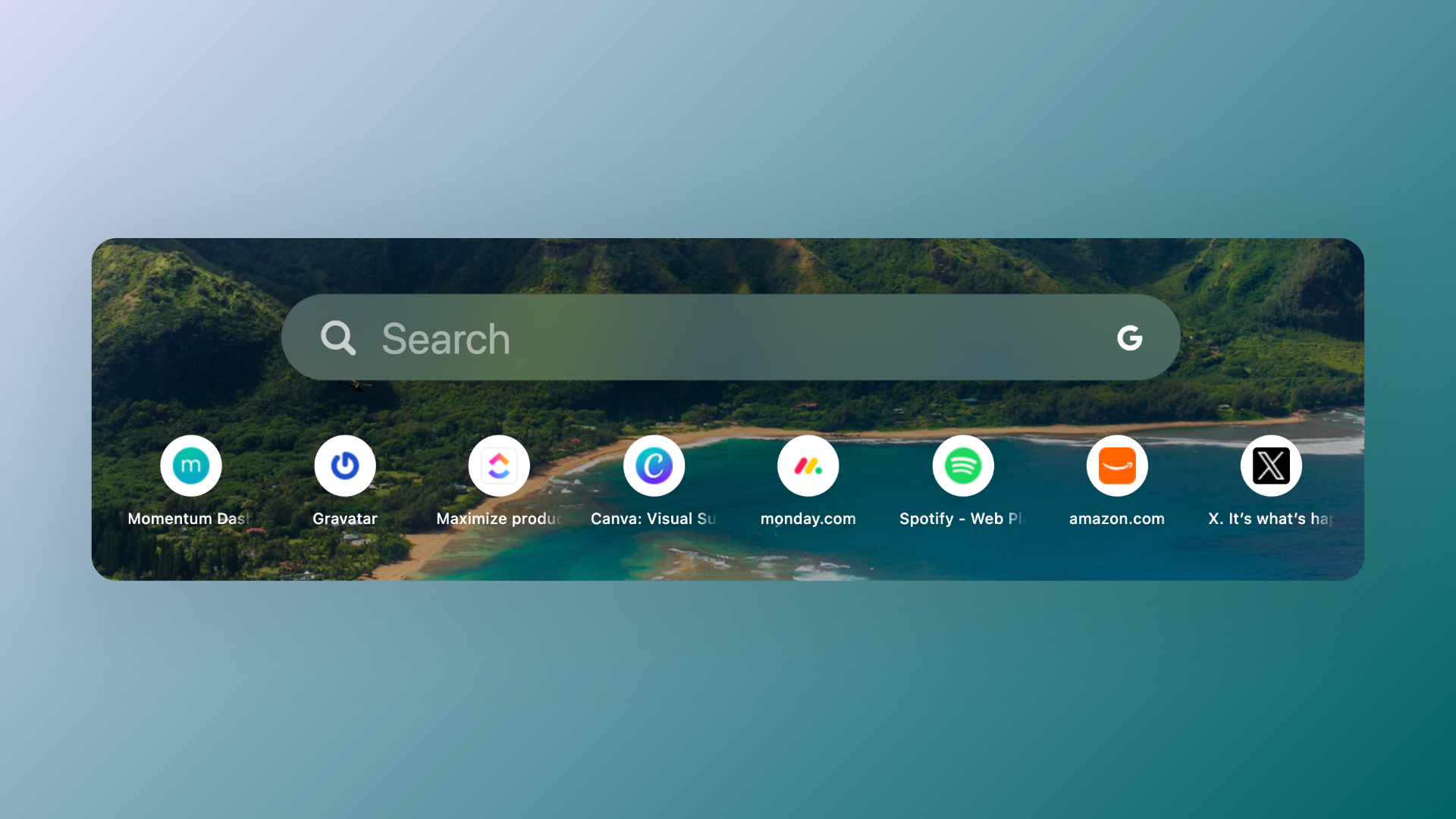
💡 Tip: Launchpad automatically learns from your browsing habits. Visit the websites you use most frequently to help them appear in Launchpad.
Note: Launchpad is not available on Safari due to Safari limitations.
Turn Launchpad on or off
Launchpad appears as an option only when Below the Center is enabled. You can display Launchpad when Below the Center is set to Search & Links or Next Events. It does not appear as an option when Daily Goal is selected.
- Click Settings :settings-2: at the bottom-left of your dashboard.
- Select General.
- Find Below the Center.
- Make sure Below the Center is turned on.
- Select Search & Links or Next Events.
- Turn Launchpad on or off.
Note: If Below the Center is turned off, the Launchpad option will not appear.
Launchpad is available to all users, including free and Momentum Plus users.
Manage the websites shown in Launchpad
Launchpad automatically detects the websites you visit most frequently and displays them on your dashboard. This means you don't need to manually maintain a list of websites.
There are no settings to manually add, remove, delete, or rearrange the websites shown in Launchpad.
To influence which websites appear:
- Visit the websites you want to see in Launchpad more frequently.
- Continue using those websites regularly.
- Launchpad will automatically adjust the websites it displays based on your browsing frequency.
FAQs
:::faq
Q: Where does Launchpad appear?
A: Launchpad appears below the clock when the Below the Center area is enabled and configured with Search & Links or Next Events.
Q: Why don't I see the Launchpad option?
A: Make sure Below the Center is turned on. Launchpad is only available when Search & Links or Next Events is selected. It will not appear when Daily Goal is selected.
Q: Can I add or remove websites from Launchpad?
A: No. Launchpad automatically detects frequently visited websites, so there are no controls to manually add, remove, delete, or rearrange the websites it displays.
Q: How can I change which websites appear in Launchpad?
A: Visit the websites you want to appear more frequently. Launchpad automatically updates the sites it displays based on your browsing frequency.
:::