Here’s how to get started with Momentum on macOS!
- After installing Momentum from the App Store, click the Open Preferences button.
- Click the checkbox next to Momentum in the Extension settings (Safari > Preferences > Extensions).
-
Click the Use for New Windows and Tabs button.
-
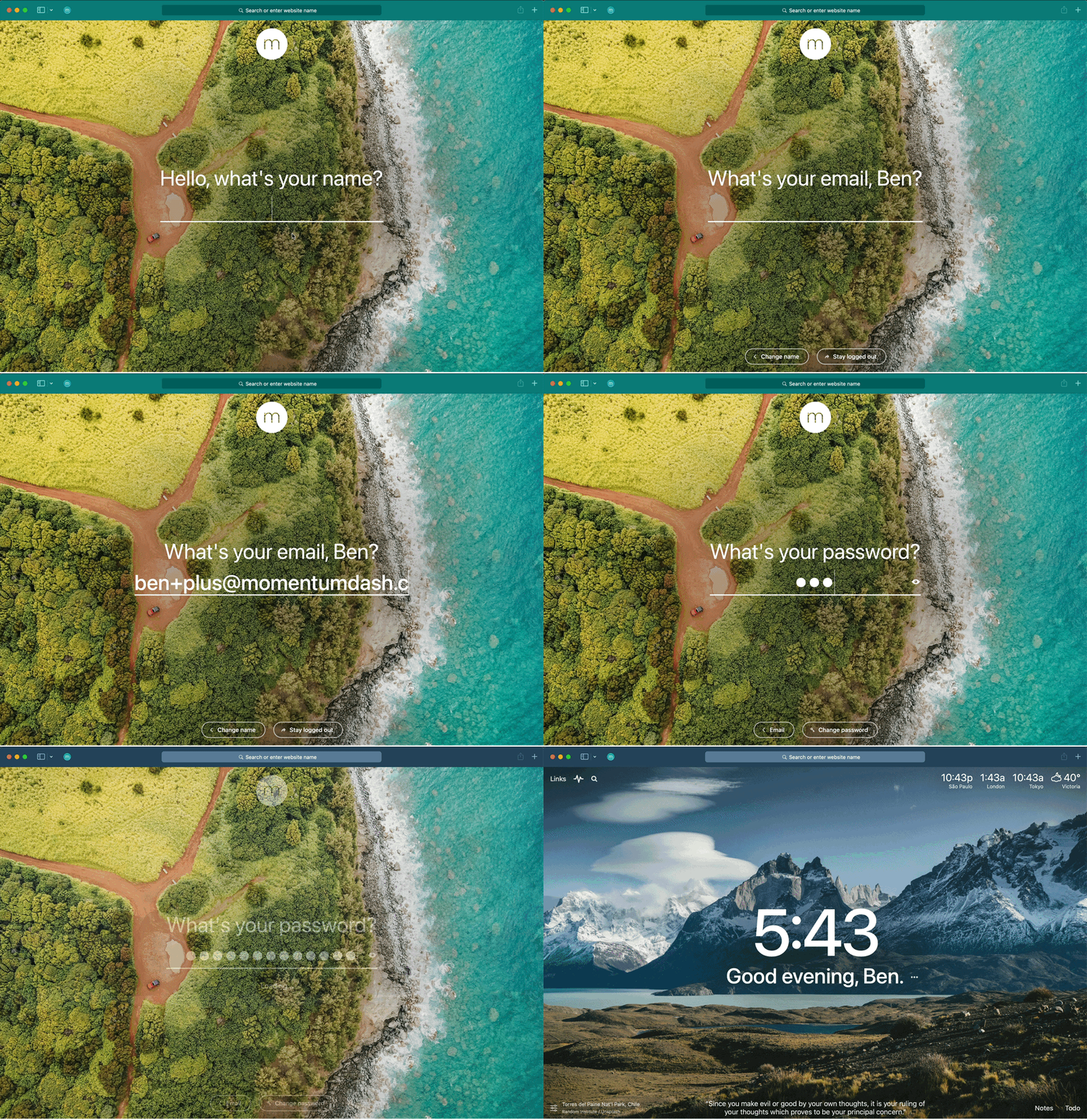
Open Safari and then open a new tab page to access Momentum. Follow the prompts to create or login to your Momentum account.