TLDR: Right click → Hide
If you’re seeing a gray banner or bar at the bottom of your new tab, don’t worry, this isn’t part of Momentum. It’s actually Google Chrome’s footer bar, introduced in a recent Chrome update.
Momentum has no control over this banner. It comes directly from Chrome. You can learn more in Google’s official discussion.
While this isn’t part of Momentum, luckily, you can easily turn it off in your Chrome settings.
Removing the Chrome footer bar
You have two quick options to remove it:
Option 1: Button in the banner
- From the banner at the bottom of your new tab, click Customize Chrome.
- Scroll to the bottom of the menu.
- Toggle off Show footer on new tab page.
Option 2: Right-click shortcut
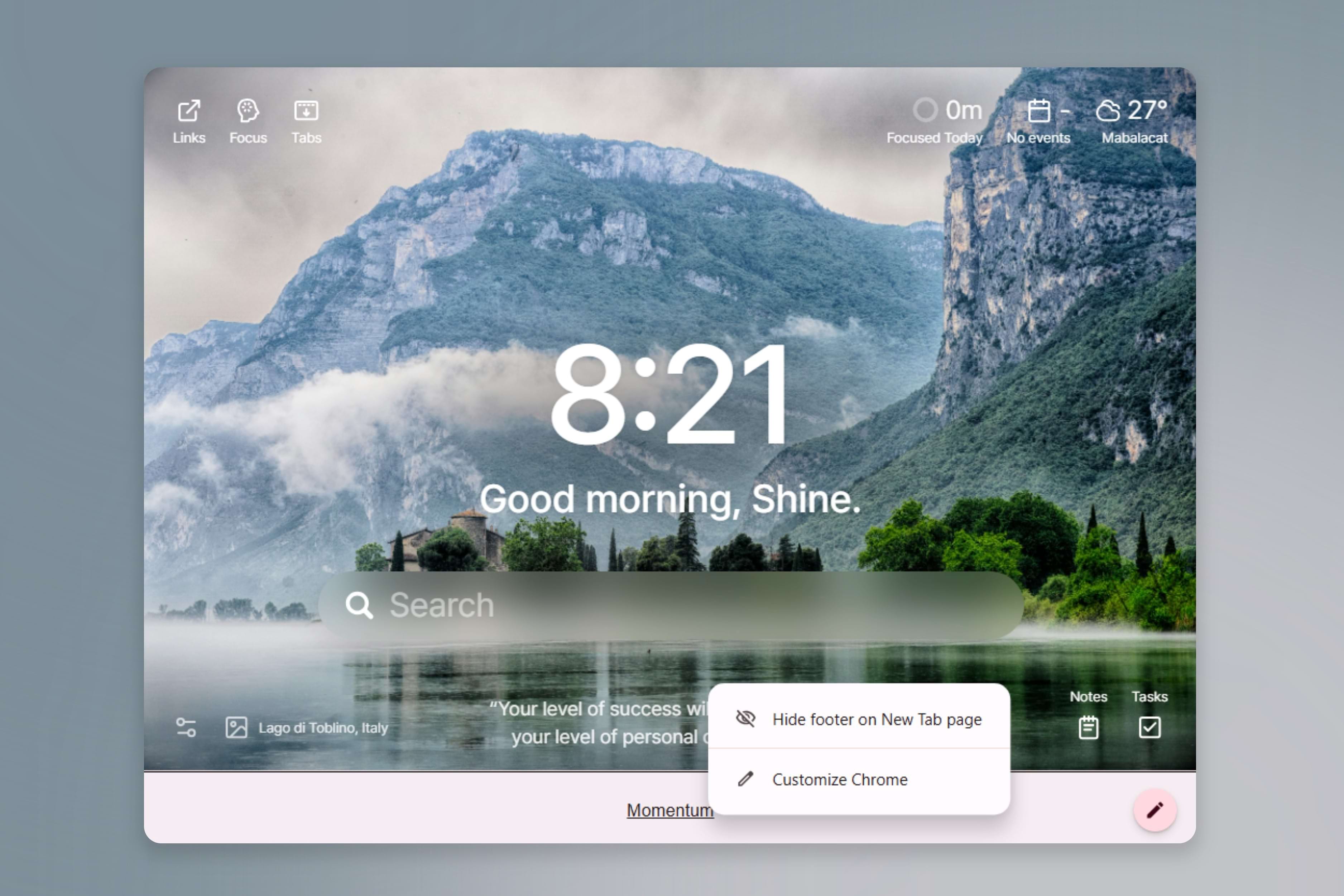
- Simply right-click on the footer bar and select Hide footer on New Tab page
So quick! Enjoy a cleaner new tab experience.
Still seeing the footer?
If the bar is still showing after you’ve turned off the setting, try restarting Chrome. If it continues to appear, contact us and we’ll take another look with you.